I see that the URL that the client is getting for the file upload/download uses this format:
https://10.7.0.1:7443/httpfileupload/
Notably, this uses an IP address. As the client is also using HTTPS, the certificate for this URL will be validated. Unless the IP address is in the certificate, this validation will probably fail.
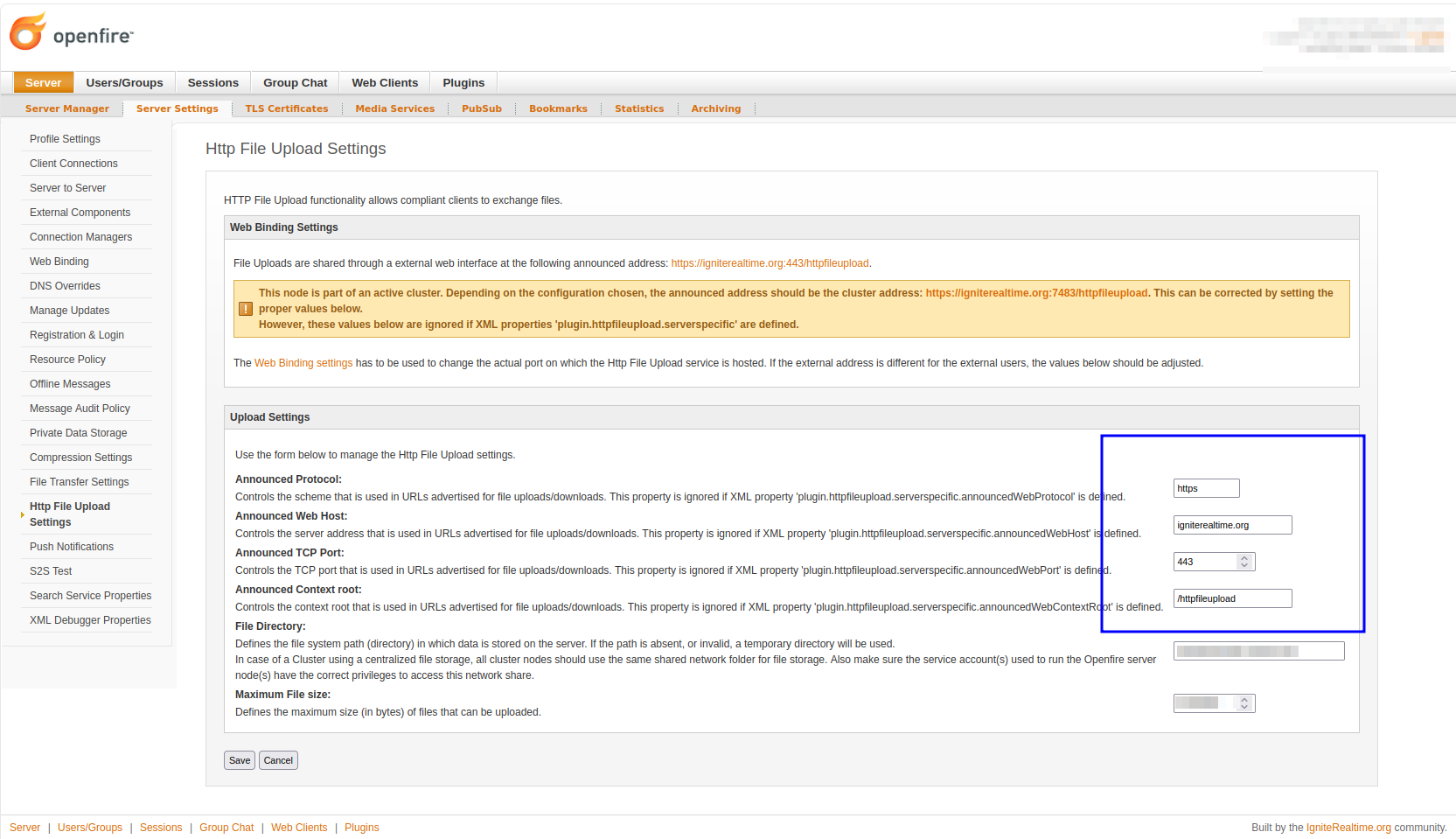
I suspect that this IP address is what was used for the fqdn setting of Openfire (where we expect a fully qualified domain name, not an IP address). You can override this for HTTP File Upload in the admin console, on page Server > Server Settings > Http File Upload Settings
Change the ‘announce host’ to something that matches the host name of your server. The value must both be part of your certificate, and be usable as a URL (by the clients) to reach your server.