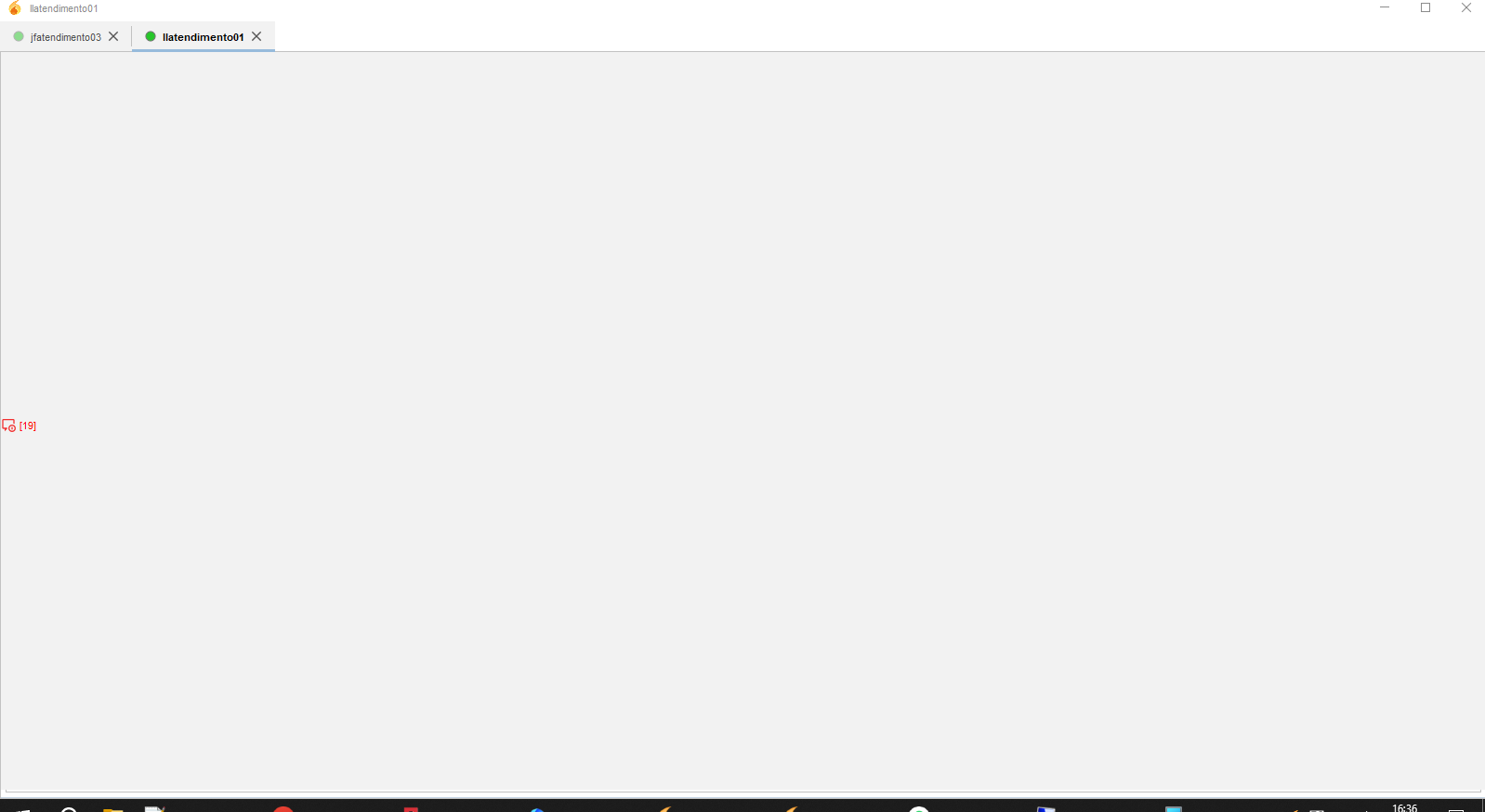
As you can see, sometimes the chat windows turns to grey, and I cannot interact with it at all. I have to reboot the whole PC to get out of this. I’ve tried deleting the profile, and the history, but it just starts happening again.
I’m using Windows 10 22H2 19045.6456, Spark 3.0.2.
PS: We have other PCs in our network that use Spark inside our Windows Server Remote Client, and this doesn’t happen to them, only to Spark clients that are opened directly in Windows 10.
Oh, that’s not good . This may be caused by some kind of bug in Spark, causing it to fail rendering the UI. In Spark’s user profile directory, there should be log files. Can you check if they hold any relevant clues please?
Hmm, there are various things in that log that aren’t quite right.
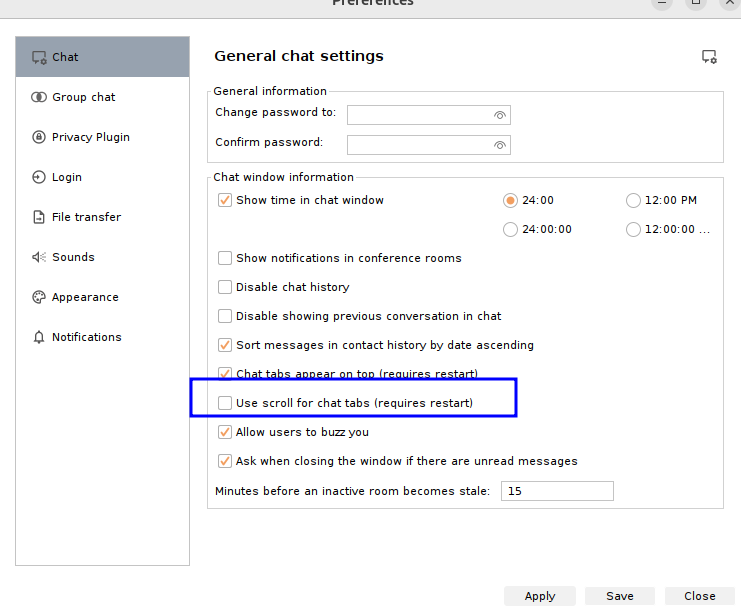
My first hunch is that this is caused by having the preference “Use scroll for chat tabs (requires restart)” enabled. Can the affected user access its preferences, and disable that option if it is enabled?
Alternatively, shut down Spark, and edit the file named spark.properties that is in the user’s profile directory (.Spark). Change (or add) this line to have the value ‘false’: tabsScroll=false
Usually I have to reboot the entire PC, as shutting down Spark and opening it again doesn’t solve it. But after doing your fix, the chats, which were previously all greyed out, are now okay.
I’ll report back later if it doesn’t work.
Thanks!
 . This may be caused by some kind of bug in Spark, causing it to fail rendering the UI. In Spark’s user profile directory, there should be log files. Can you check if they hold any relevant clues please?